
Category: Tutorials
-
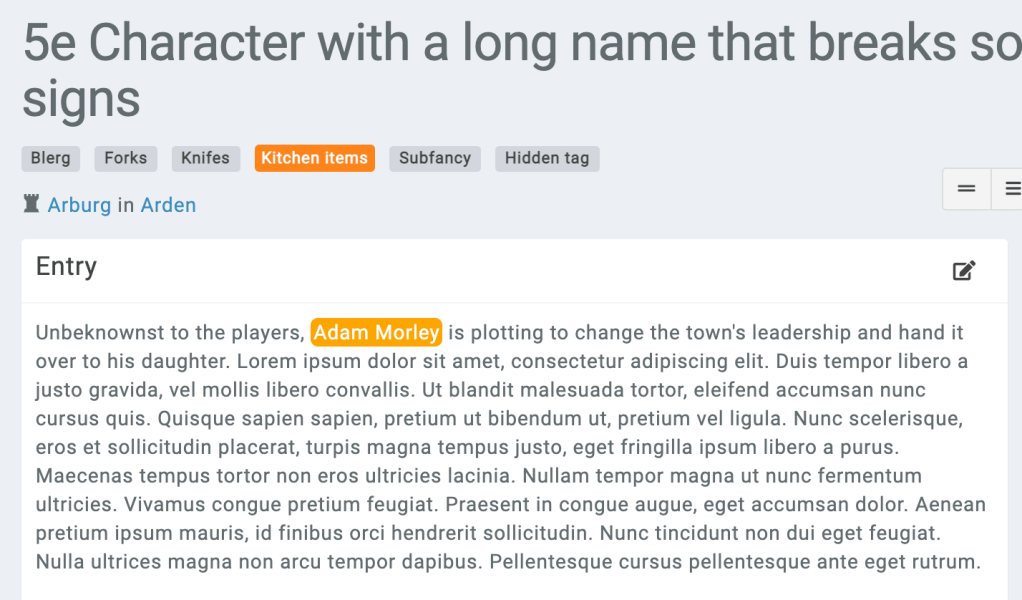
Styling entity mentions based on their tags
In many cases, you might want to style mentions (when an entity is mentioned in text) based on that entity’s tags. This is possible with a premium campaign and some custom CSS. All mentions include a special data-entity-tags property that will include the entity’s tags. This is present in both tag-{id} and the tag’s name…
-

How to use References in Kanka
In this post, we will be covering the basic “how to” of references in Kanka. This Kanka guide is for those who aren’t quite sure where to start. In Kanka you can create different kinds of entities like characters, locations or events. Each one of these can hold a lot of information and is quite…
-

Testing your campaign permissions
Part of setting up your Kanka campaign is setting up the correct permissions. This tutorial will show you how to easily check what your players can see without having to create a second account or asking for your players’ passwords. Campaign Setup To check your campaign permissions, you’ll first need another member in your campaign…
-

Working with the Kanka API
The Kanka API allows you to interact with your campaign using a programming language of your choice. You can find the documentation by following this link. Why would I need the API? There are several reasons why you would want to use the Kanka API. The following are the most common among our community. Importing…
-
Having multiple campaigns in Kanka
Each Kanka user can be a part of and own multiple campaigns. There is no limit to the amounts of campaigns or worlds you can have! After registering your account, you’ll be promoted to create your first campaign by providing a name for it (unless you’ve been invited to Kanka by a friend, in which…
-

How to set up your Kanka campaign dashboard
This article was last updated in March of 2026. There are several ways you can customise your Kanka campaign dashboard. We’ll start off with the options available to all campaigns, before detailing options for premium campaigns. The default dashboard setup for your first campaign includes the Billboard, a Recently modified entries list, a Getting started…
-

Fantastic Peeps and Where to Find Them?
Context “Ok, so next session, my players will be back in town. What will they need…some equipment? Well, time to create some sort of equipment seller. They won’t interact with him for a long time, I think I can get away with not naming him.”Has this or any variation of this ever occurred to you?The…
-
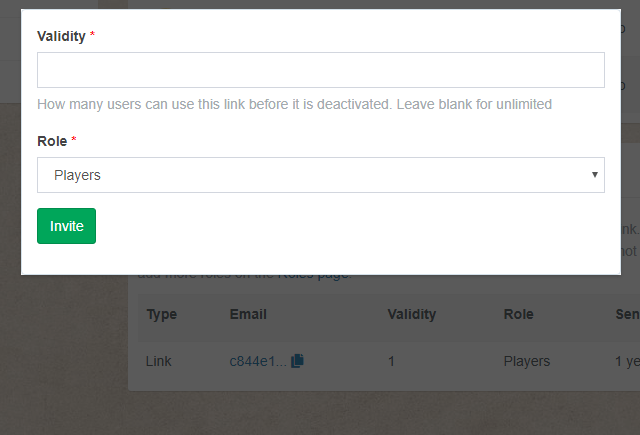
Invite your friends to your Kanka campaign
TTRPGs and worldbuilding can be more fun with friends! To invite your players to your Kanka campaign, the only requirement is that you are an admin of your campaign. In the navigation menu, click on “Campaign” or “World”, then on the “Members” submenu. From this page, scrolling down will reveal the Invite feature. There are…
-
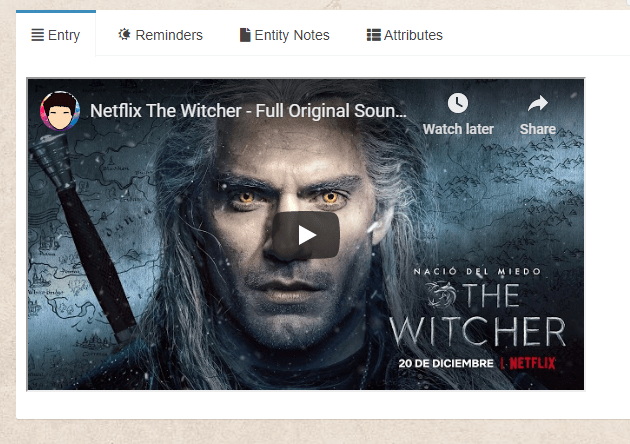
How to add music and videos to Kanka
When preparing your session using the Journals module, or working on an NPC, you sometimes have a fitting music, song, soundtrack or video that you want to play when they are revealed to the party. Kanka allows you to embed Youtube, Dailymotion and Spotify into your entity’s Entry field. Embedding music from Youtube Find a…
 Kanka Blog